

GET THE KAIDO APP
Open the Kaido app on your phone, then add it to your home screen: it opens from its icon, full screen, like any other app.
Three steps
to your home screen.
Once, on your phone. After that, the Kaido icon on your home screen opens the app.
On an iPhone
- Open the app in Safari.
- Tap Share. On iOS 26, tap ⋯ beside the address first.
- Tap Add to Home Screen, then Add. If Open as Web App shows, leave it on.
On Android
- Open the app in Chrome.
- Tap the menu ⋮ beside the address.
- Tap Add to Home screen or Install app, then Install.
Scan it with your phone

Point your phone’s camera at the code, or type kaido-recovery.com/app on your phone.
The community,
and your Kaido.
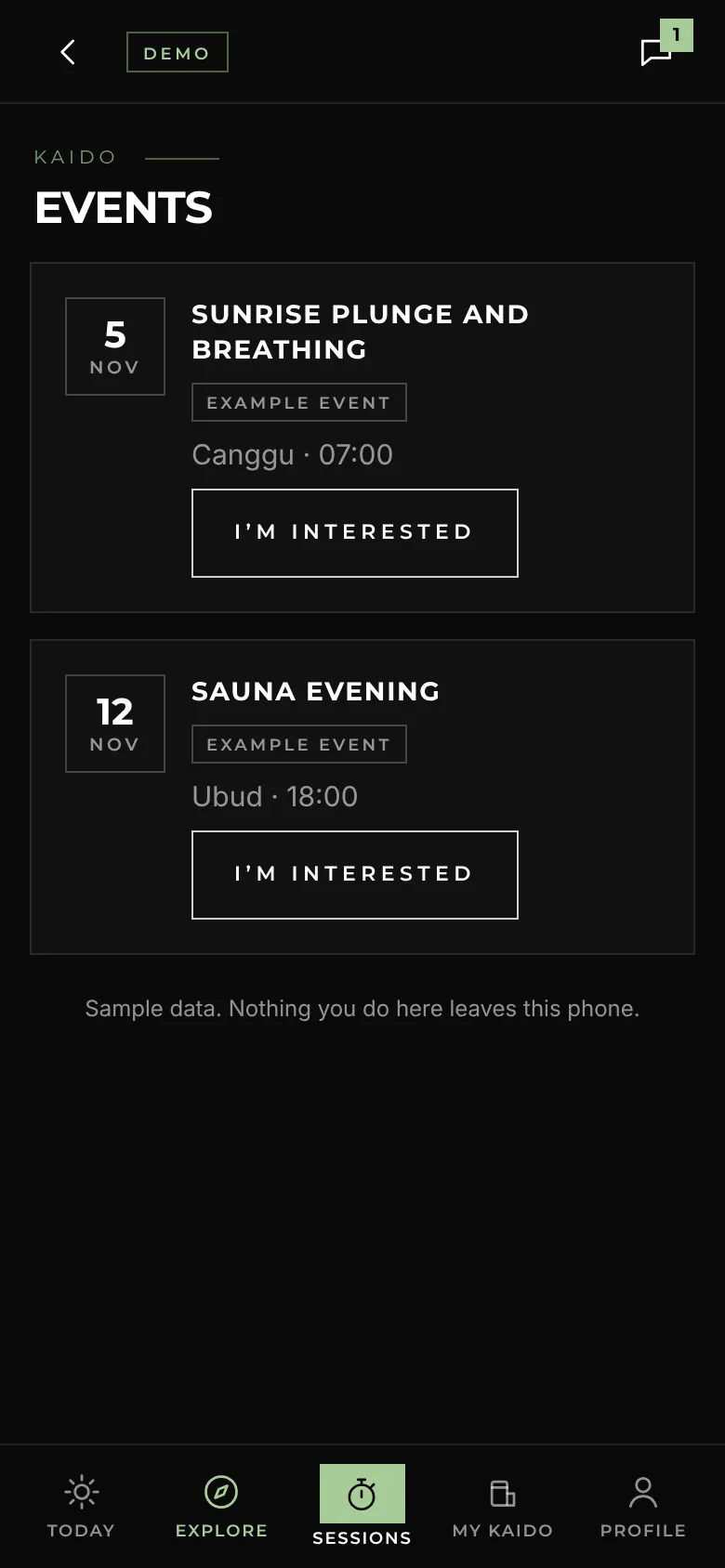
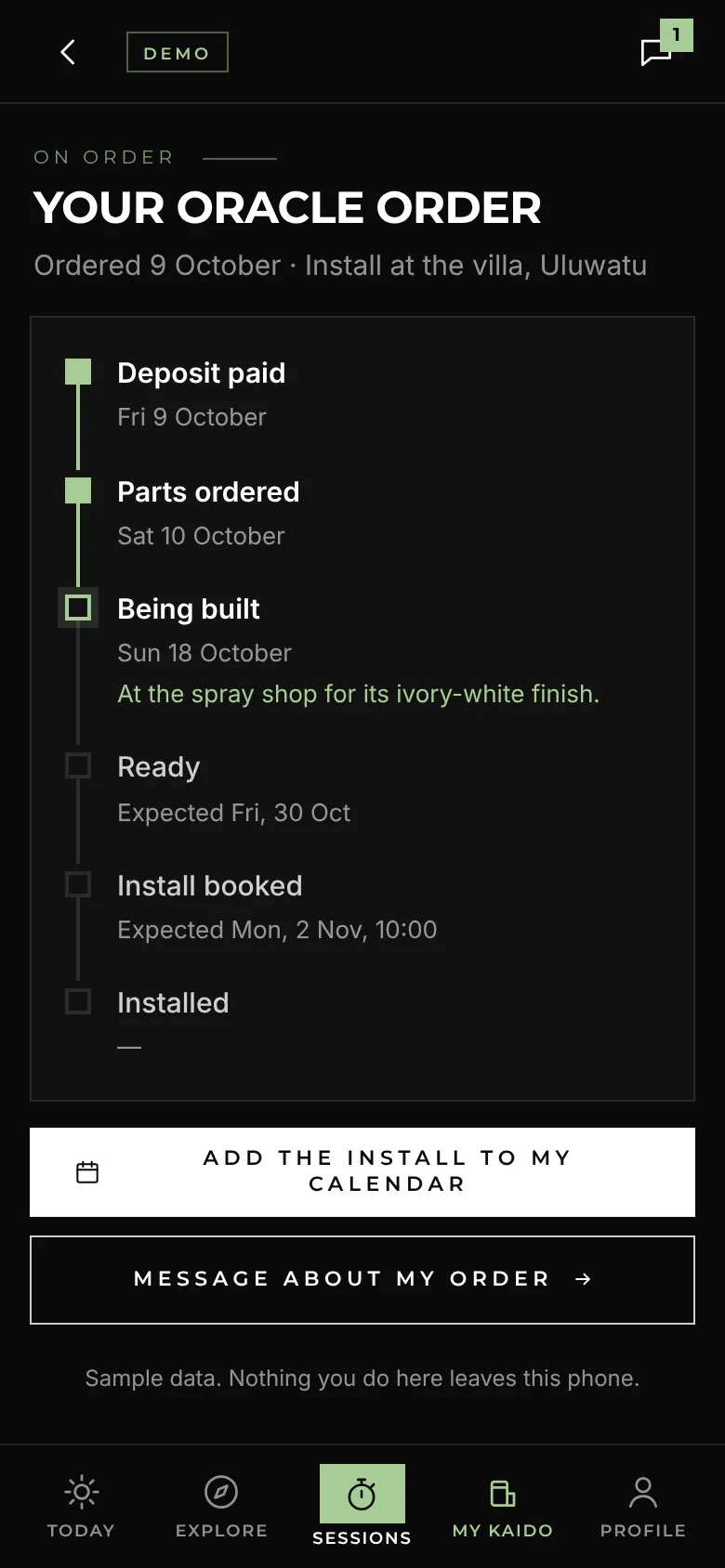
Member perks, events and rewards for the Kaido community, all about connection. For owners, the order and its install, the care plan’s visits and guided sessions.

Never alone. With a heart condition, high blood pressure or pregnancy, talk to a doctor first.
The Kaido app is a working demo with made-up sample data: nothing you do in it leaves your phone. The perks, events and rewards in it are examples until each is agreed. Next, owners sign in to their own Kaido record, and the app goes on the app stores.